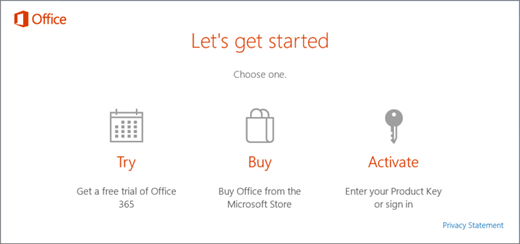
Update the registry to remove the Microsoft 365 activation prompt
Important: This task contains steps that tell you how to modify the registry. However, serious problems might occur if you modify the registry incorrectly. Therefore, make sure that you follow these steps carefully. For added protection, back up the registry before you modify it. Then, you can restore the registry if a problem occurs.
- Close the activation window and all Office apps.
 Right-click the Start button on the lower-left corner of your screen, and select Run.
- Type regedit, and then press Enter. Select Yes when prompted to open the Registry Editor.
- On the left side of the Registry Editor, under Computer, navigate to the following key in the registry:HKEY_LOCAL_MACHINE\SOFTWARE\Wow6432Node\Microsoft\Office\16.0\Common\OEM
- Right click the OEM value and click File>Export.
- Save the key.
- After the key is backed up, select Edit>Delete.
- Repeat steps 3-6 for the following key:HKEY_LOCAL_MACHINE\SOFTWARE\Microsoft\Office\16.0\Common\OEM
- Close the Registry Editor and start Office again.
Full description on Microsoft link below
 LuExplainsIT